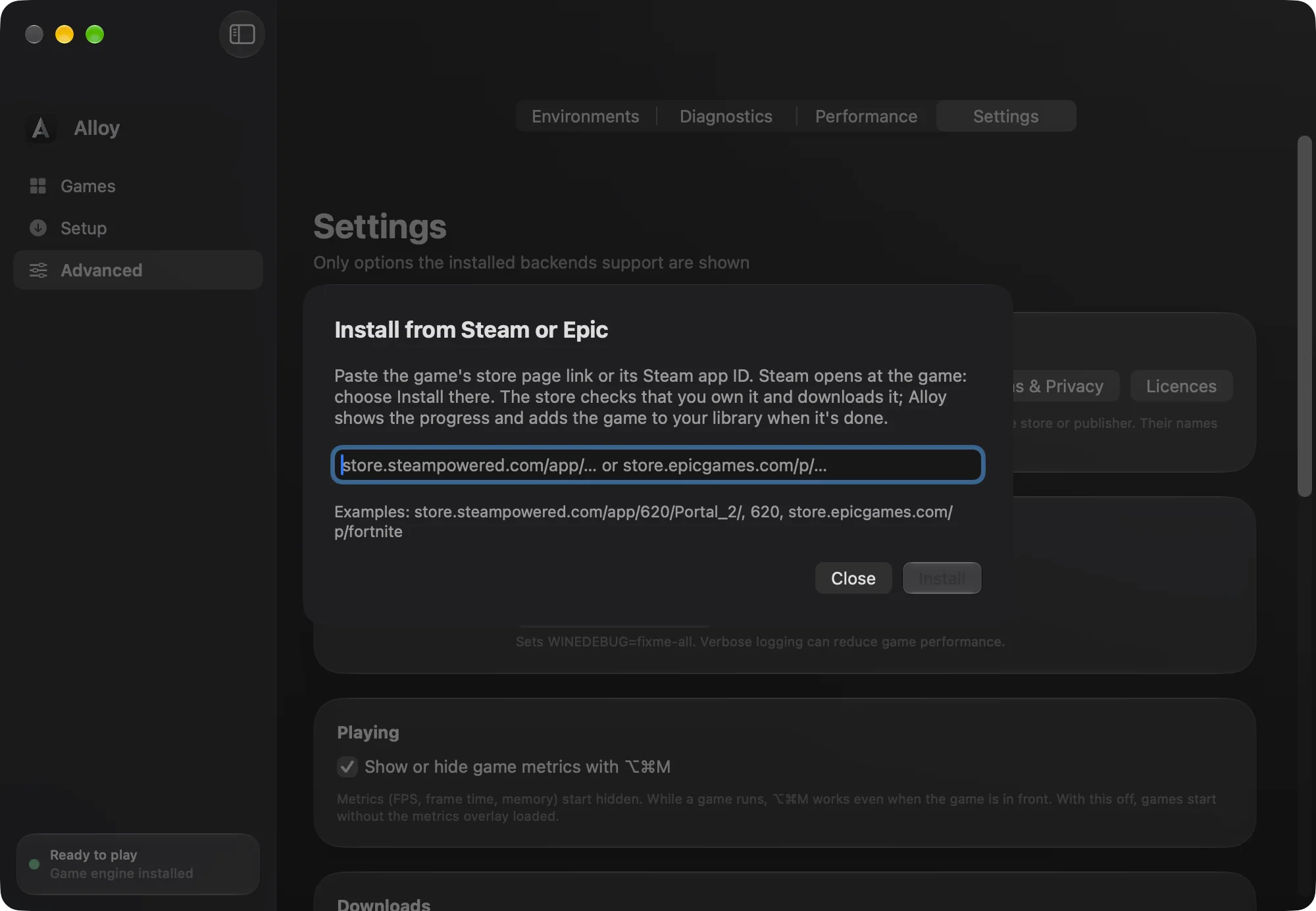
Add a game you own
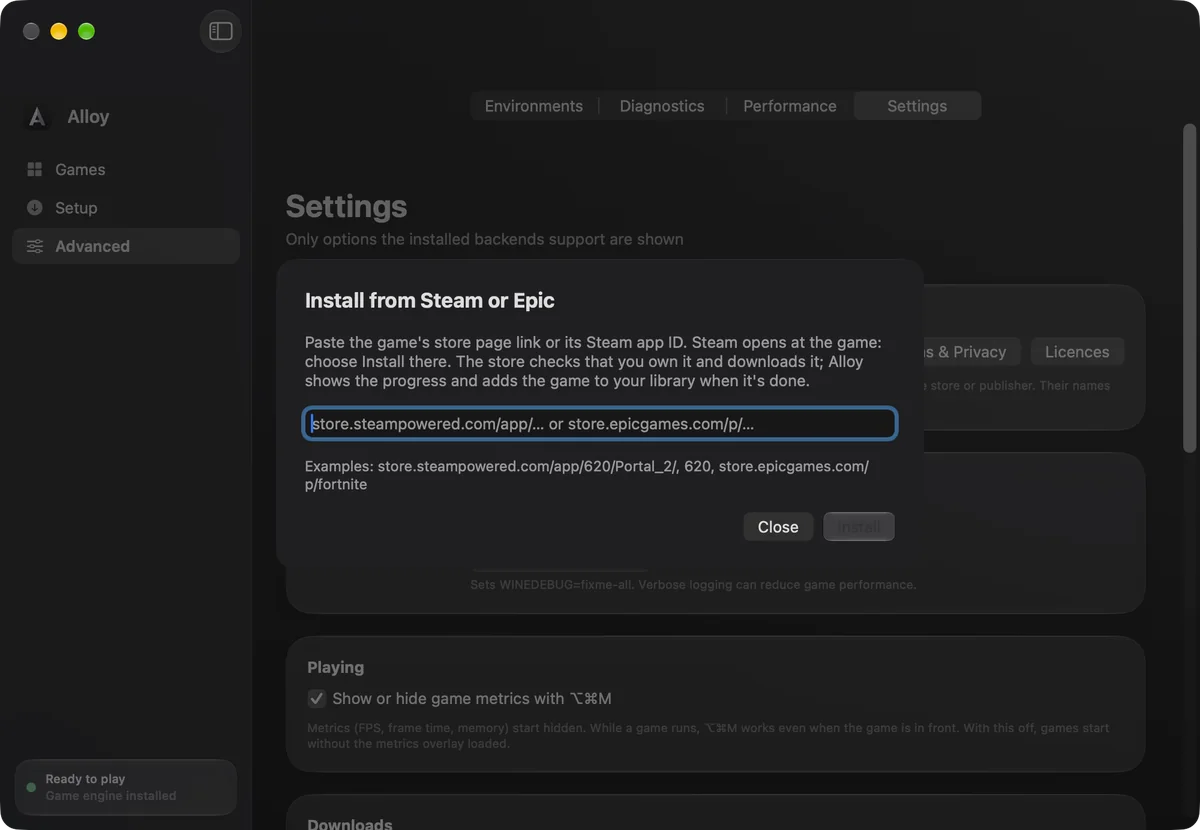
Point Alloy at a game folder you already have, run a game's setup file, or paste a Steam or Epic link. It joins your library.
Add a game you own, even one already installed on your Windows PC, and Alloy does the rest. It sets the game up, picks its graphics engine and explains any problem in plain English. It runs Windows apps too, on Apple silicon and Intel Macs.
Completely free · 2.9 MB · Apple silicon and Intel · macOS 14 or later
How it works
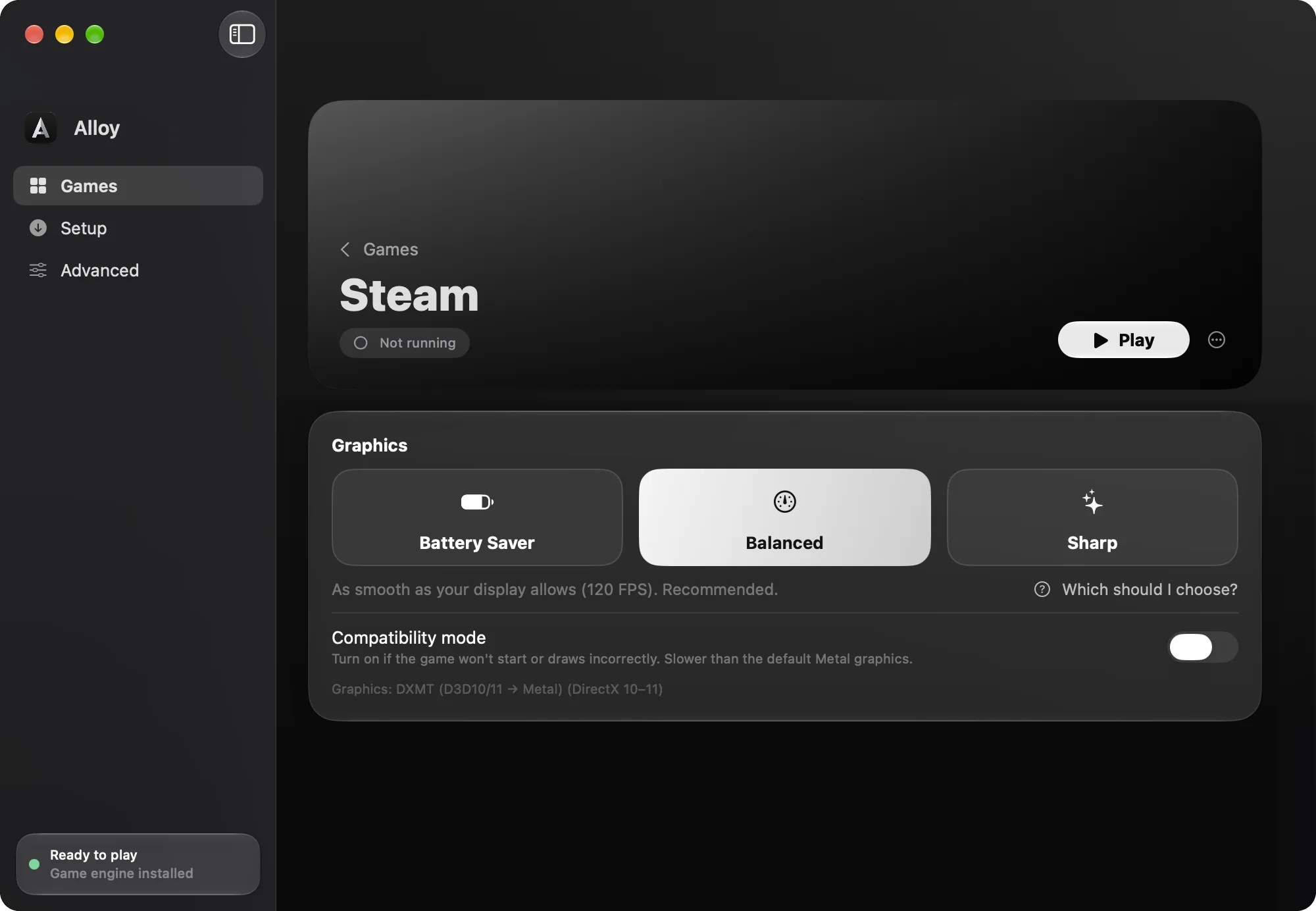
Point Alloy at a game folder you already have, run a game's setup file, or paste a Steam or Epic link. It joins your library.
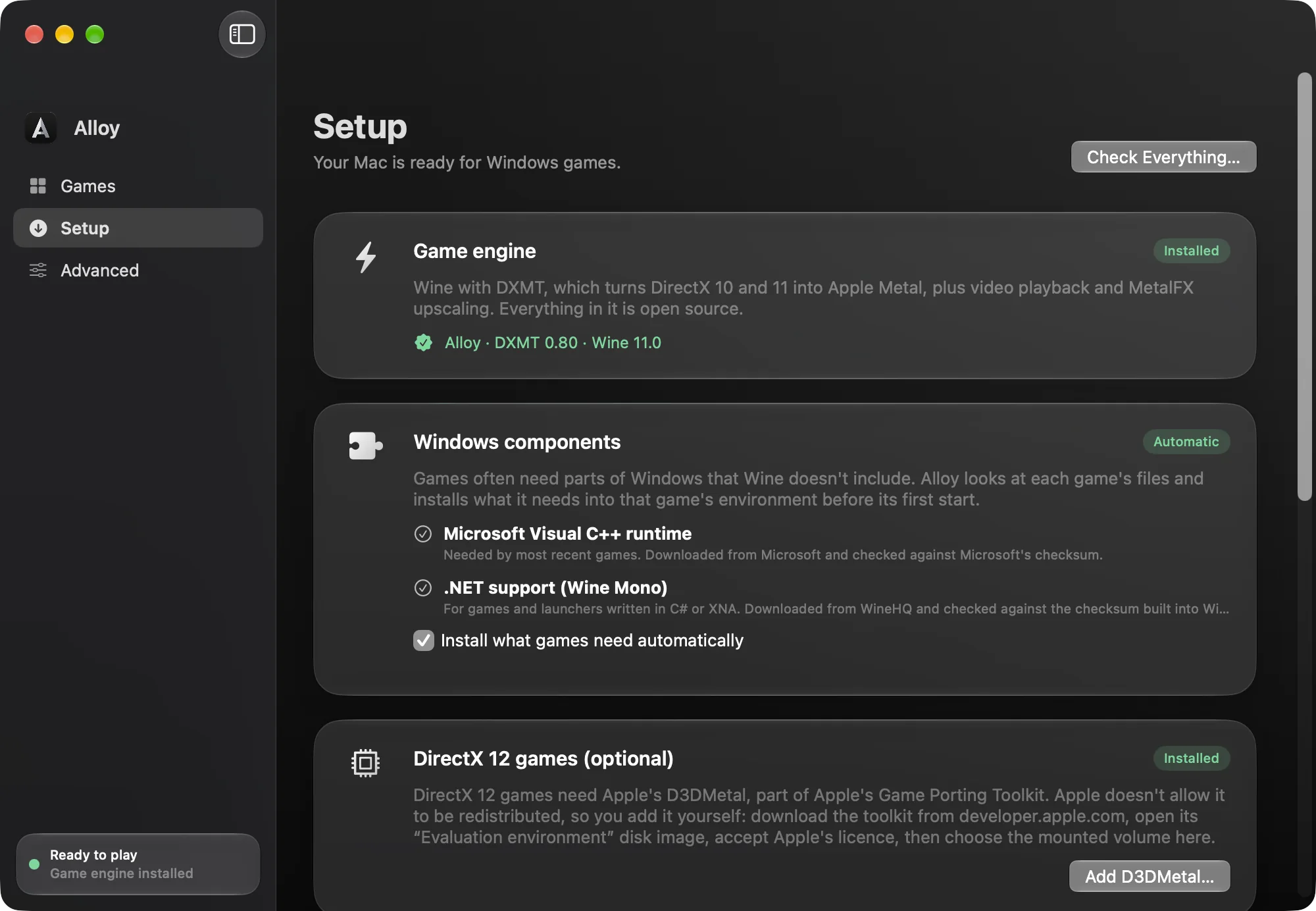
It reads the game's files, picks its graphics engine and installs the Windows parts it needs, such as Visual C++. Nothing runs until you click Play.
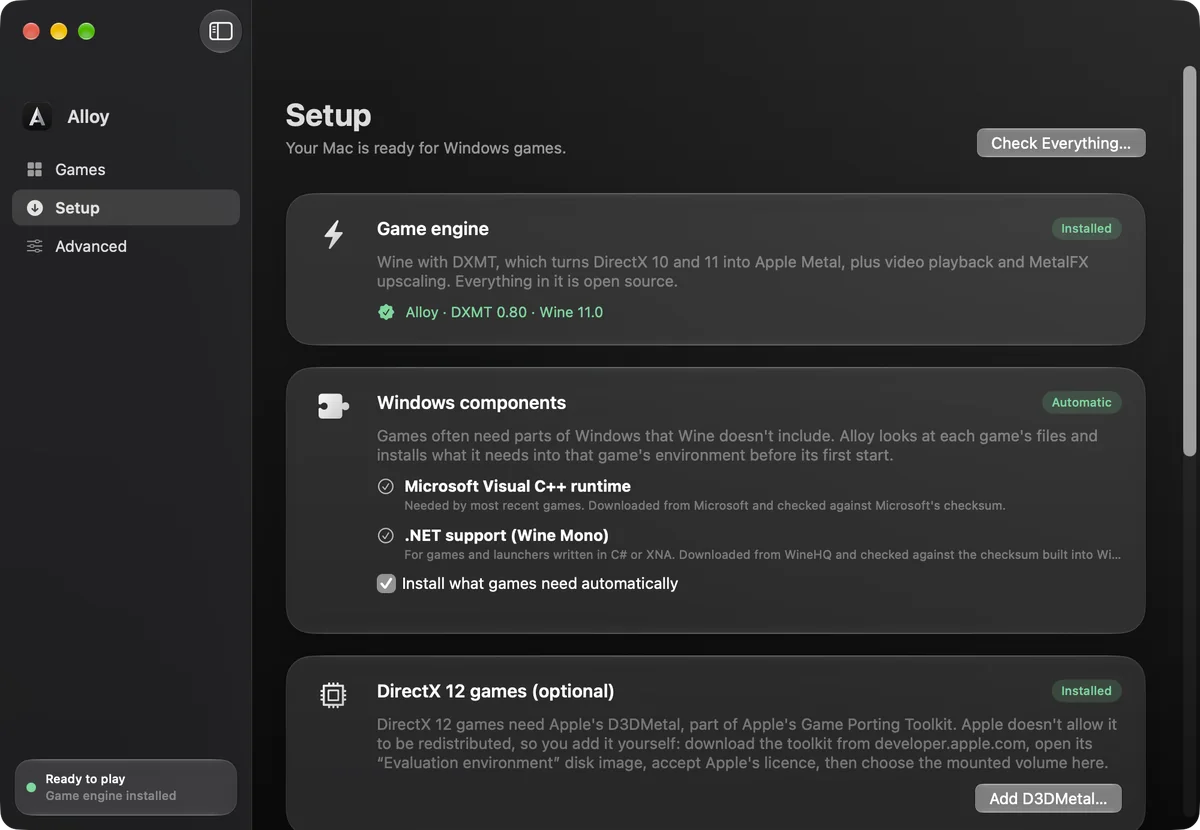
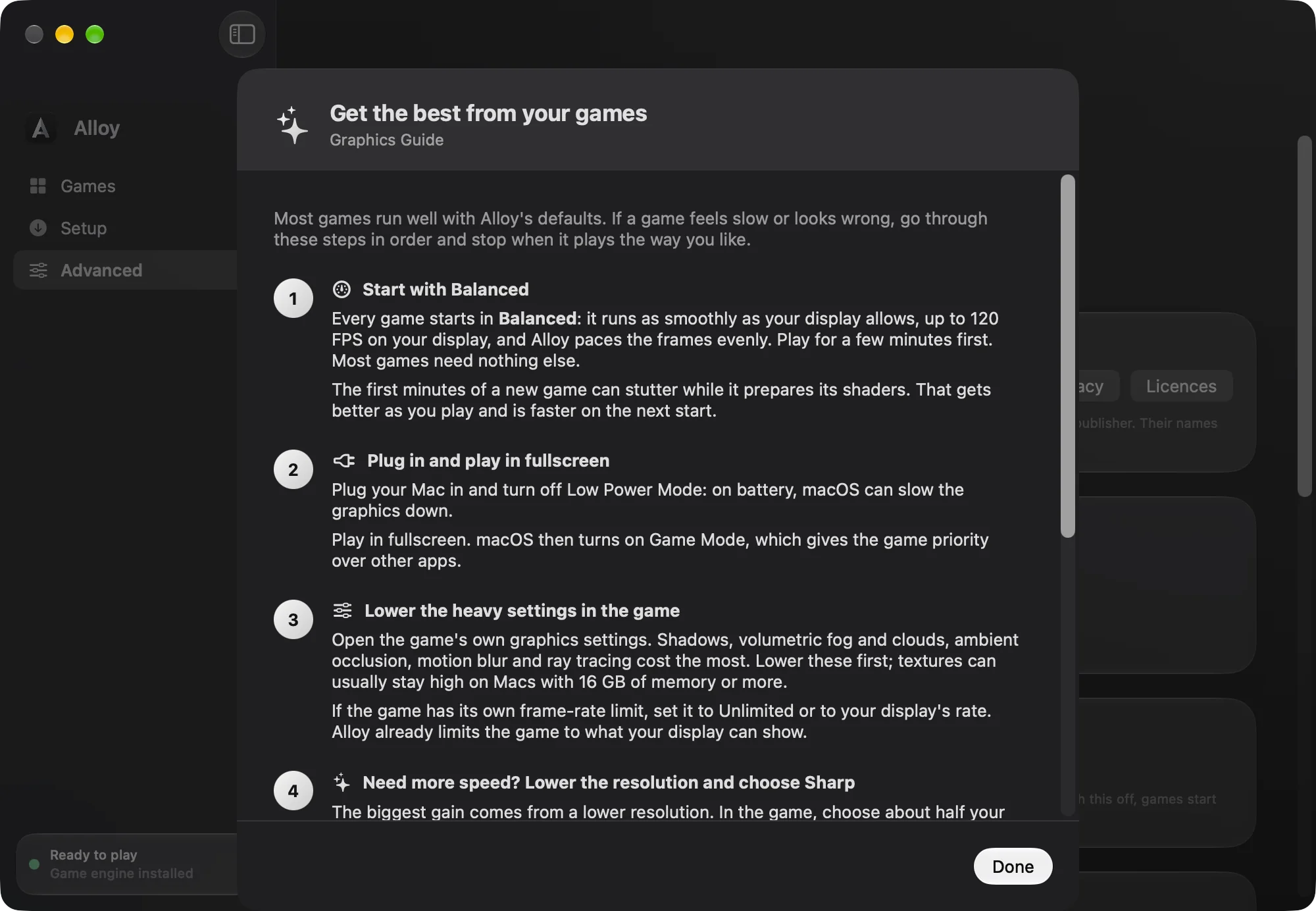
Balanced suits most games, and Sharp adds MetalFX upscaling. Not sure? “Which should I choose?” on the game's page walks you through it.
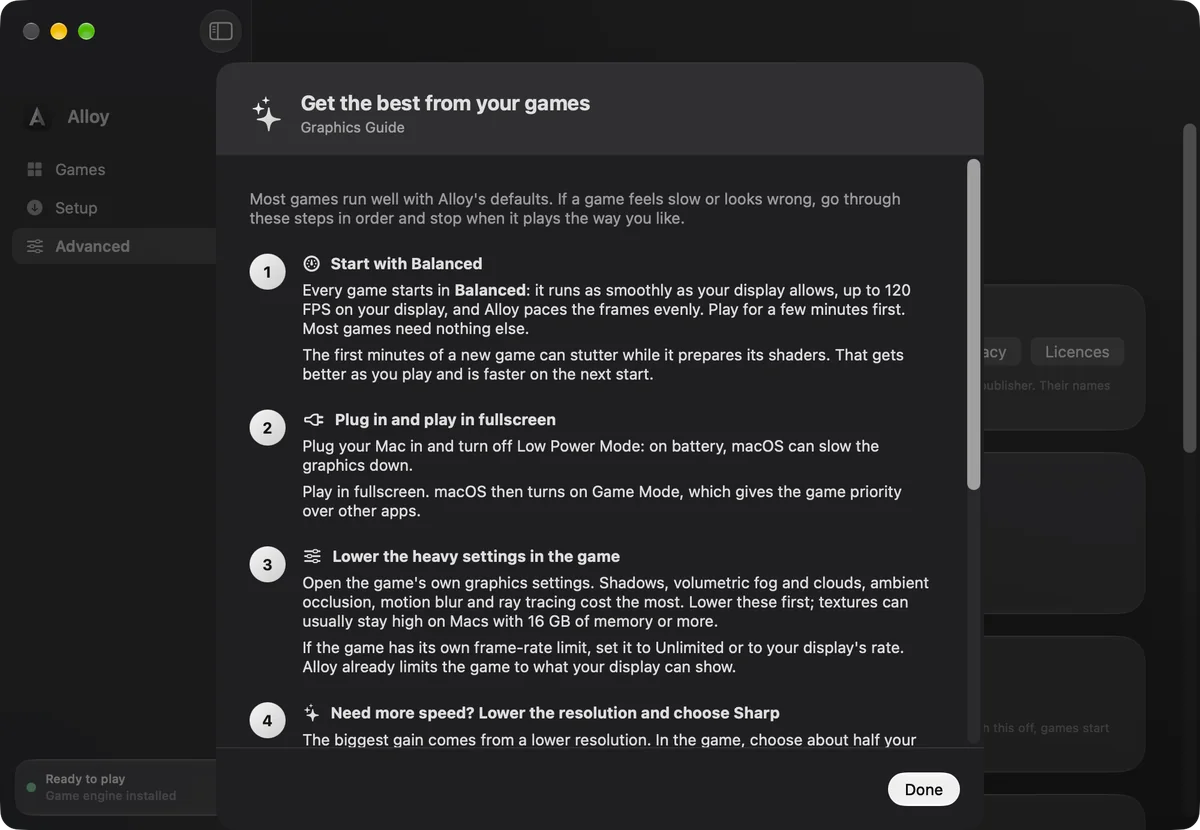
Games you already have
No need to buy or download your games again. Copy a game's folder from your Windows PC to your Mac and Alloy sets it up like any other.
Games that need their store to start, such as many Steam or EA games, also need that store, which you can install from Alloy's Setup page. Use games you own.
Features
Alloy reads each game's files and picks its engine: DXMT for DirectX 10 and 11, D3DMetal for DirectX 12 once you add it, and compatibility mode for older games.
Frames are paced evenly at your display's refresh rate, even when a game asks for less. The Mac cursor stays hidden while you play.
A crash or failed start shows the likely cause, in words anyone can follow, and a button that fixes it. More options sit under More Fixes.
Compiled shaders live in Alloy's own folder, safe from macOS clean-ups. Worst frame in our tests: 47–69 ms on the first play, 11–21 ms after.
Games that ship NVIDIA DLSS use Apple MetalFX instead, switched on for you only in those games. If a game crashes soon after starting with it on, Alloy turns it off for that game and tells you. Sharp mode upscales every frame to your Retina resolution.
Install a store from Setup, then sign in inside it as usual. Steam and Epic games also install from a link.
No analytics and no uploads. Alloy never asks for store passwords, and logs stay on your Mac with passwords and tokens removed. The update check sends nothing about you.
Press ⌥⌘M in any game to show frame rate, frame time and memory. Advanced › Performance keeps a benchmark history for each game.
Alloy's engine syncs threads with macOS's own primitives. In our tests threads wake 3 to 5 times faster, and locks are about 20 times faster.
Measurements come from Alloy's test programs on an M4 MacBook Pro.
More than games
Alloy runs Windows apps alongside your games, such as editors, tools, utilities and launchers, and one download works on every Mac with macOS 14 or later.
Choose Add Game › Add Windows App. Apps get their own shelf and their own environment, and open with one click. Many apps work; those that need Windows drivers can't.
If a program says a DLL is missing, Alloy tells you which one and where it usually comes from. Add the file under Extra DLLs and Alloy installs it for that program.
The full Alloy: DXMT and D3DMetal graphics, MetalFX upscaling with Sharp mode, and DLSS games switched to MetalFX.
The same app, running natively without Rosetta. Graphics use Compatibility mode (OpenGL), so there's no MetalFX, DXMT or DirectX 12. New in 0.9.4, with less testing so far.
Compatibility
Why Alloy
No trial, no licence, no paid tier and no in-app purchases. Play as long as you like, with games of any size. There's no account to create.
Alloy picks the graphics engine, turns on MSync, matches your display and, in games that ship DLSS, switches DLSS to MetalFX. Advanced settings are there if you want them.
A crash comes with a plain-English reason and the fix that fits that game.
Every number on this page comes from our own tests on a named Mac. If a game won't run well, we'd rather tell you.
Completely free
Every feature is in the free download. There's no Pro version, no subscription and nothing to unlock.
No trial period and no time limit. Alloy keeps working after day 14, day 100 and beyond.
Alloy doesn't cap game size or the number of games. The only limit is your Mac's free space.
Download it and play. You sign in only inside a game store's own app, as on Windows.
Alloy and the alternatives
CrossOver, from CodeWeavers, is the best-known paid app for running Windows software on a Mac. Here's how Alloy compares with it and with every other way to play Windows games on a Mac with Apple silicon, checked against each one's own pages in November 2026.
| Feature | Alloy | CrossOver | Parallels Desktop | Cloud gaming | Whisky | Sikarugir | Porting Kit | Heroic Games Launcher | Game Porting Toolkit |
|---|---|---|---|---|---|---|---|---|---|
| Price | Free. No trial, licence or paid extras | 14-day trial, then a paid licence (a year of updates, or lifetime) | Paid, plus a Windows licence | Free tier, or a subscription (such as GeForce NOW) | Free | Free | Free, with optional donations | Free | Free |
| Time limits | None | Stops working when the trial ends, until you buy | For as long as you pay | Free sessions are limited; paid GeForce NOW plans include 100 hours a month | None | None | None | None | None |
| How it works | A Mac app built on Wine, DXMT and D3DMetal | A Mac app built on Wine | Runs Windows 11 for Arm in a virtual machine | Streams games from remote PCs | A Mac app built on Wine | Wraps each game in its own app, using Wine | Installs games from a catalogue of ready-made Wineskin wrappers | A launcher for Epic, GOG and Amazon games that runs them through Game Porting Toolkit or CrossOver | Apple's tool for game developers |
| Setting up | One button installs the engine and Windows parts | Install the app, then each game | Install Windows, then your games inside it | Make an account, then stream | Install the app, then each game | Installed with Homebrew in Terminal | Pick a game from the catalogue | Install Heroic, plus Game Porting Toolkit or CrossOver | Run from Terminal |
| Graphics choices | Four plain modes: Battery Saver, Balanced, Sharp, Compatibility | A backend in Advanced Settings, or Auto | Windows' own settings | Set by the service | Settings for each bottle | Settings for each wrapper | Set by each catalogue entry | Settings for each game | Environment variables |
| MetalFX upscaling | Any DirectX 10 or 11 game with Sharp mode, and DLSS games | DLSS games | – | Not needed | – | – | – | – | DLSS games |
| DirectX 12 | Through D3DMetal, which you add from Apple's free toolkit | D3DMetal included | Listed among its limits | Yes, on remote PCs | D3DMetal | D3DMetal option | Depends on the wrapper | Through Game Porting Toolkit or CrossOver | D3DMetal |
| Kernel anti-cheat games | No | No | Often blocked | Many work | No | No | No | Depends on the game | No |
| Runs | Windows games, and many Windows apps | Windows games and apps | All of Windows | The service's games | Windows games and apps | Windows games and apps | Windows games and apps | Epic, GOG and Amazon games | Windows games, for testing |
| Macs | Apple silicon, and Intel with Compatibility graphics; macOS 14 or later | Apple silicon and Intel; also Linux | Apple silicon and Intel | Any Mac with fast internet | Apple silicon | Apple silicon (with Rosetta) and Intel | Apple silicon and Intel | Apple silicon and Intel | Apple silicon |
| Still updated | Yes, with one-click updates in the app | Yes | Yes | Yes | No: development ended in April 2025 | Yes | Yes | Yes | Yes |
| Help | Free email support, and plain-English fixes in the app | Email and phone with a paid licence | Paid support | The service's support | None | Community | Community | Community | Apple's developer forums |
CrossOver is a trademark of CodeWeavers. Other names belong to their owners. Alloy is made by Flake, isn't affiliated with any of them, and contains no CrossOver code. A dash means the product doesn't advertise it. Details come from each product's own pages and may change.
FAQ
Yes, completely. There's no trial, no paid version, no subscription and no in-app purchase. Every feature is in the free download, for the beta and after launch.
No. Play as long as you like, with as many games as you like, of any size. The only limit is your Mac's free space: Alloy's game engine needs about 2 GB, plus room for your games.
Yes, for playing Windows games on a Mac with Apple silicon. Both are built on Wine. CrossOver is paid after a 14-day trial, while Alloy is free with no trial. Alloy also adds simple graphics modes, MetalFX upscaling for any DirectX 10 or 11 game and plain-English fixes. CrossOver supports Intel Macs and Windows apps, and includes D3DMetal. See the full comparison.
Alloy is completely free and made for games. Whisky was free too, but its development ended in April 2025. Sikarugir and Porting Kit are free and use Wine wrappers, and Heroic Games Launcher is a free launcher that needs Apple's Game Porting Toolkit or CrossOver to run games. See how they compare.
Yes. Choose Add Game › Add Windows App and pick the app's folder. Many apps work, such as editors, tools and launchers. Apps that need Windows drivers, such as VPNs, hardware dongles and anti-cheat, can't work: Wine can't load drivers. If an app says a DLL is missing, Alloy explains it and you can add the file under Extra DLLs on the app's page. Use the file from the app's maker, not a DLL download website.
Choose Alloy › Check for Updates, then click Install and Restart. Alloy downloads the new version from flake.co.in, checks it, puts the old copy in the Trash and restarts. Your games, settings and game engine stay as they are. Alloy also checks once a day and shows a notice in the sidebar, which you can turn off in Settings. Versions before 0.9.2 don't have this yet: download Alloy from this page once and drag it into Applications to replace the old copy.
Yes: D3DMetal, from Apple's Game Porting Toolkit. It's free, but Apple doesn't allow apps to include it, so you download it from Apple and add it in Alloy's Setup page. The setup guide shows each step. DirectX 10 and 11 games need nothing extra.
Macs with Apple silicon (M1 or later) on macOS 14 Sonoma or later. 16 GB of memory is comfortable for recent games. Intel Macs work too, from version 0.9.4: the engine runs natively there, without Rosetta, but only with Compatibility graphics (OpenGL), so there's no MetalFX, DXMT or DirectX 12, and fewer games run well. Intel support is new and has had less testing.
Alloy is made for DirectX 10 and 11 games, and DirectX 12 games can run once you add Apple's D3DMetal. Games with kernel anti-cheat won't run. The quickest way to know is to add the game and try it: Alloy never moves or changes your game files.
Yes. Copy the game's folder to your Mac, then choose Add Game › Add Installed Game Folder in Alloy. You don't have to download it again. If the game needs its store to start, install that store from Alloy's Setup page too. The guide has the details.
No. You sign in inside each store's own app, just like on Windows. Alloy never asks for your Steam, Epic or Apple passwords.
No. Alloy runs games you already own. Buy and download them from their stores as usual.
The beta isn't signed with an Apple Developer ID yet, so macOS asks you to confirm the first time. Click Done, then open System Settings › Privacy & Security and click Open Anyway. The setup guide shows each step. Only do this for a copy you downloaded from flake.co.in.
Email support@flake.co.in with your Mac model, macOS version and the game you're trying. The guide's fixes section covers the most common problems.
Wine, the open-source Windows compatibility layer, with DXMT for DirectX 10 and 11 and Apple's D3DMetal for DirectX 12. Alloy adds the setup, the graphics choices and the help on top.
Public beta · Version 0.9.4
Free to download. It's a beta, so expect a few rough edges, and tell us what you find.
2.9 MB zip · Needs macOS 14 or later · Apple silicon, or Intel with Compatibility graphics
The first time you open it